Callbell MCP: Connect to Claude, ChatGPT, and more
You can now connect your Callbell account to an AI assistant and ask about your contacts and conversations in your own words. No code and no API key required: you just log in with your Callbell user.
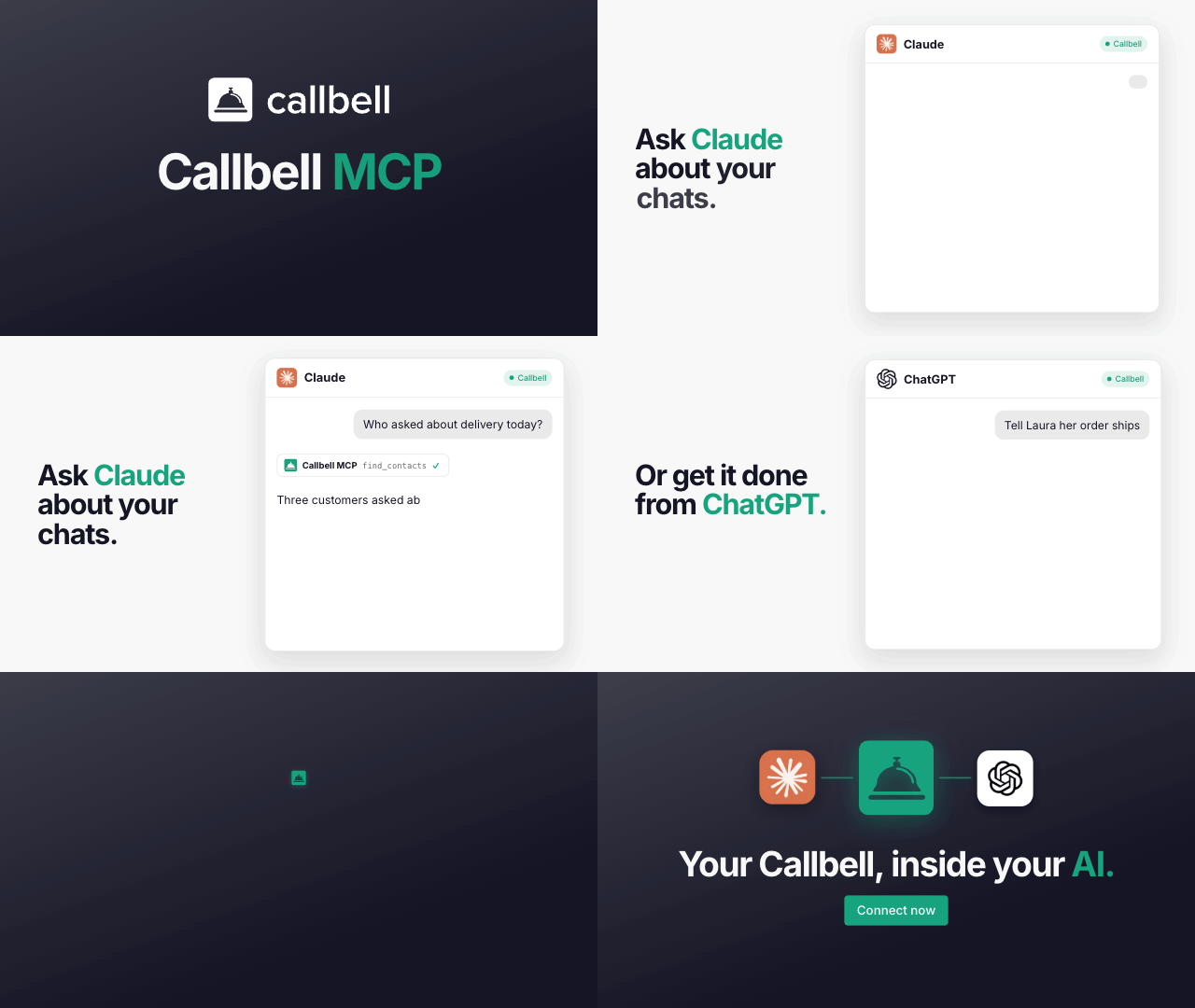
This works through MCP, a standard that lets AI apps connect to external tools like Callbell.
Once connected, you can ask things like:
“Show me the last messages from +34 600 000 000”
“Which contacts tagged refund-request are assigned to the Support team?”
“Add an internal note to this contact with a summary of the conversation”
Each admin connects with their own login, and you choose the permissions the assistant gets:
👁️ Read only: the assistant can look up contacts, conversations, teams and templates, but cannot change anything in Callbell
✏️ Read and write: the assistant can also perform actions, such as sending messages, updating contacts, adding tags, assigning conversations and closing chats
👉 How to connect Claude
👉 How to connect ChatGPT
Manage all your connections at https://dash.callbell.eu/settings/mcp.
Available for all accounts on the Plus plan.